

Styled XML keeps working
Pages that use an XSL stylesheet (XSLT 1.0), like WordPress sitemaps or device status pages, display again after Chrome removes XSLT.
XMLNest shows XML files, RSS feeds, podcasts and sitemaps clearly, and shows XSLT-styled pages again after Chrome drops XSLT. Free, private, no account.

For Google Chrome™ on computers. No account needed.


The same two files in Chrome, first without the extension, then with it.
Without XMLNest
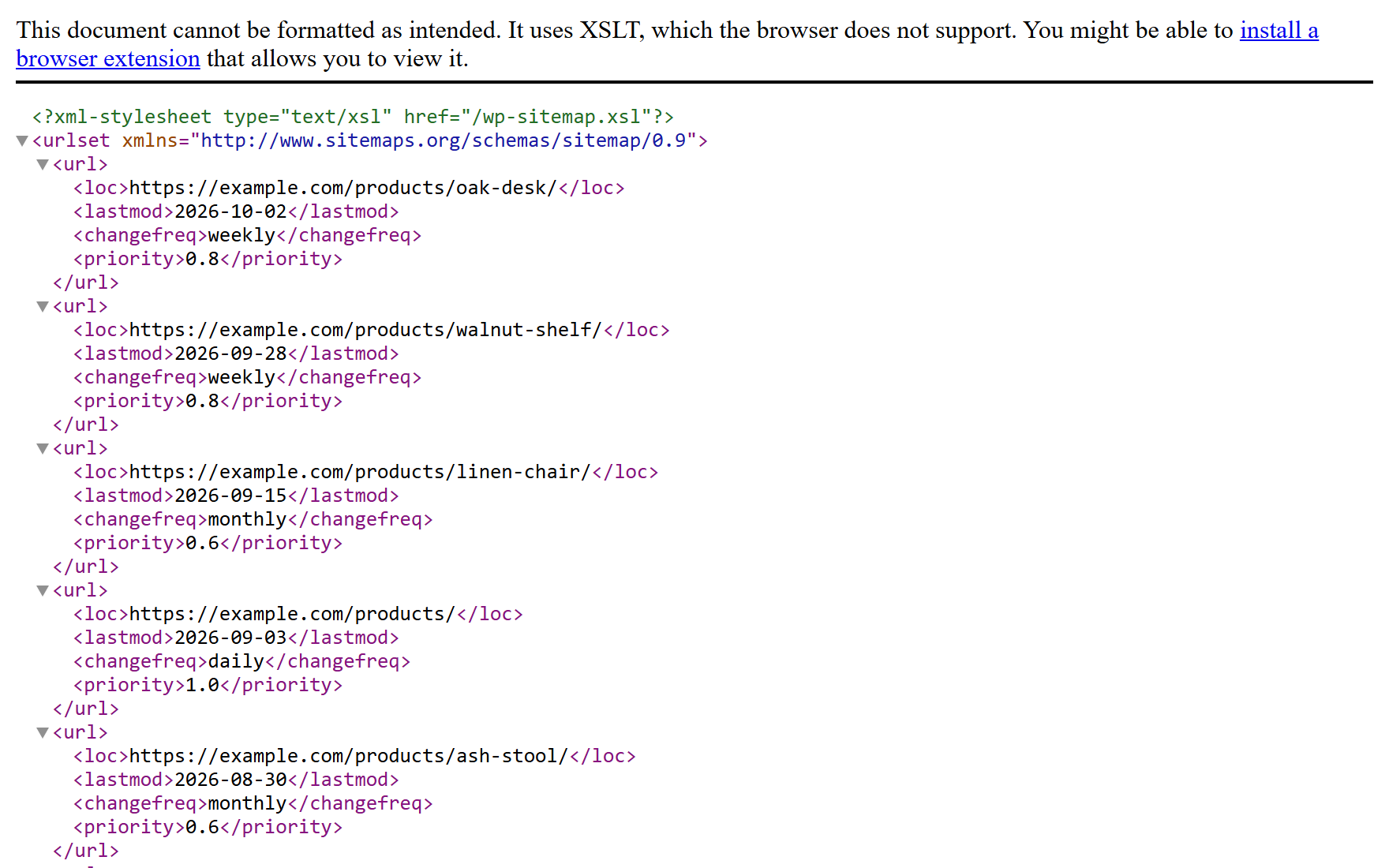
With XMLNest
Without XMLNest
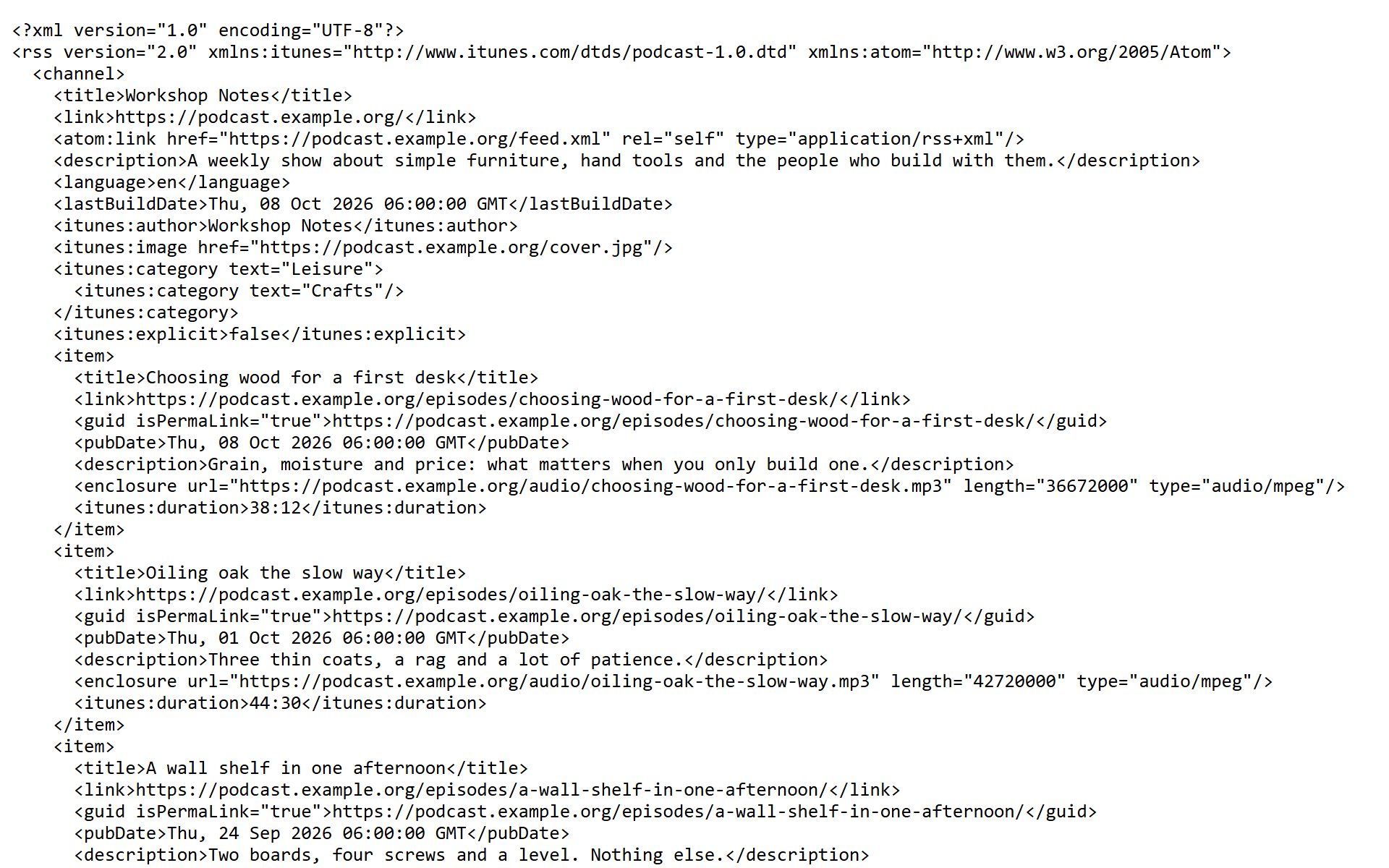
With XMLNest
All four images use sample files. Without XMLNest: screenshots of Chromium 156 with XSLT turned off, as in Chrome from 17 November 2026. With XMLNest: design mockups.
Open an XML address. XMLNest shows it as a styled page, in a reader view, as a tree or as formatted source.
Pages that use an XSL stylesheet (XSLT 1.0), like WordPress sitemaps or device status pages, display again after Chrome removes XSLT.

RSS and Atom feeds open in a reader view with a built-in podcast player. Sitemaps become a table you can filter, sort and export to CSV or JSON.

Fold and unfold, search names and values, copy a node, its value or its path. A broken file shows the line and column of the error.
Pick the one that fits. Each one links to a short guide.
SEO
See every URL of a sitemap with its last change date. Filter by text or date, sort, then export to CSV or JSON.
Sitemap reader view
Developer
Fold the tree, search names and values, then copy a node, its value or its XPath. A broken file shows the line and column of the error.
Tree and source views
Reader
Open a feed and read its items in a clean list. Podcast episodes play in the built-in player.
Feed reader with podcast player
Installed with no access to any site. You choose where it works. Nothing you open is collected or sent anywhere. Read the privacy policy
No account to create. XMLNest works only where you allow it.
The extension is free. Chrome shows no permission warning, because XMLNest asks for no site access at install.
XMLNest starts with no access to any site. Turn it on everywhere in one click, or site by site from the toolbar button.
Paste the address of an XML file, a sitemap or an RSS feed into Chrome's address bar. Files on your computer open too, once you allow local files.
Yes. The extension is free, with no account and no ads.
No. XMLNest is independent and not affiliated with Google. It uses the open-source xslt-polyfill library.
XMLNest needs to read an XML page to display it. You decide: on every site, or only on the sites you choose.
Yes, once you allow local files. They open in the tree, source and reader views. Like Chrome, it does not apply XSL stylesheets to local files.


