
xslt-polyfill for site owners: keep your XSL stylesheet working
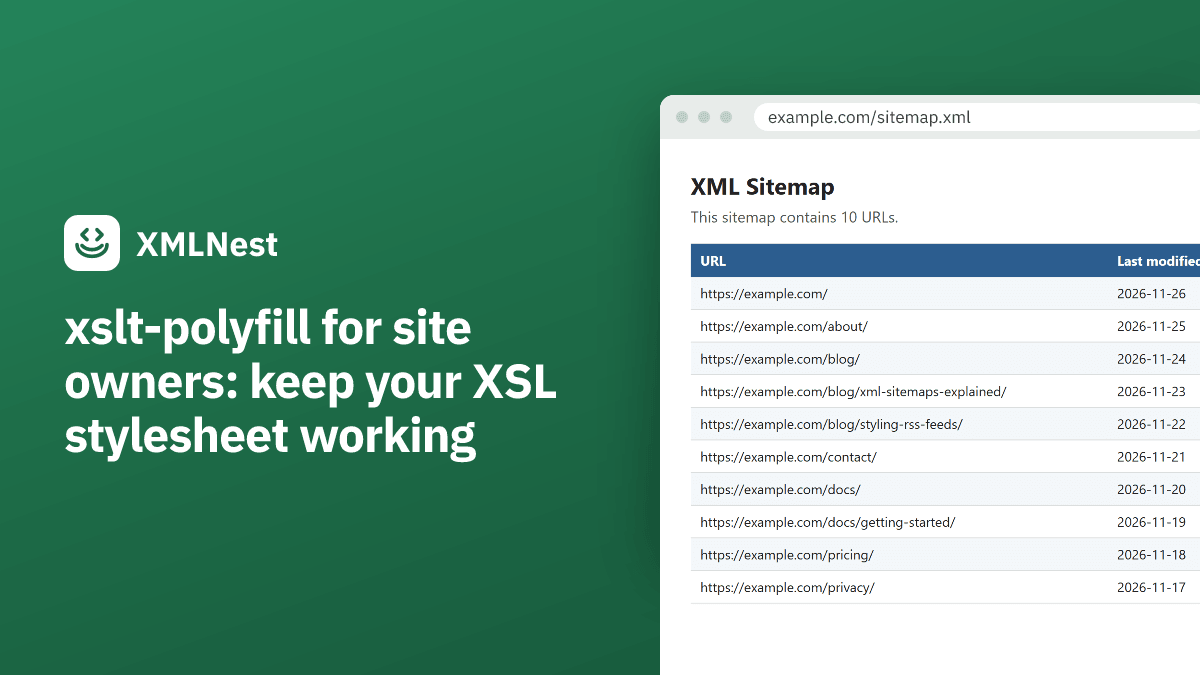
Chrome 158 stopped applying XSL stylesheets, so visitors without an extension see your XML pages as raw tags. One script line in each XML file brings the styled page back for them. We tested the setup below in Chrome 158 with xslt-polyfill 1.0.38, along with the limits you should know before you rely on it.
Since Chrome 158, released on 17 November 2026, Chrome no longer applies the XSL stylesheet of an XML file. Visitors who have no extension see “This document cannot be formatted as intended” and the raw XML. The xslt-polyfill library brings the styled page back from your side, with one line per file. We make XMLNest, an extension for visitors; this page is about what you can do on your own site.
How xslt-polyfill works in an XML file
The library is one JavaScript file, xslt-polyfill.min.js, of about 1.4 MB. It carries a WebAssembly build of the libxslt and libxml2 engines, so it runs XSLT 1.0 like the engine Chrome removed.
Chrome no longer runs your stylesheet, but it still runs a script element inside an XML file, as long as that element is in the XHTML namespace. The polyfill then reads the <?xml-stylesheet?> line, downloads the stylesheet, downloads the XML file again and replaces the page with the result.
Add the script to your XML files
- Get the file: run
npm install xslt-polyfilland copynode_modules/xslt-polyfill/xslt-polyfill.min.js, or take it from the GitHub repository. Host it on your own site and note the version. - Add the script element as the first child of the root element:
<?xml version="1.0" encoding="UTF-8"?>
<?xml-stylesheet type="text/xsl" href="/sitemap.xsl"?>
<urlset xmlns="http://www.sitemaps.org/schemas/sitemap/0.9">
  <script src="/js/xslt-polyfill.min.js" xmlns="http://www.w3.org/1999/xhtml"></script>
  <url>
    <loc>https://example.com/</loc>
    <lastmod>2026-11-26</lastmod>
  </url>
</urlset>
- Open the file in Chrome 158 or later. The console shows “XSLT polyfill v1.0.38 installed (native supported: false)”, then the styled page replaces the XML.
Keep the xmlns attribute: in our test, the same element without it never ran. In a sitemap, the sitemaps.org schema accepts elements from another namespace at that place, before the first url. In a feed, Chrome’s guidance asks for the line as a direct child of the root element and says it does not interfere with RSS readers.
The polyfill can show a short text while it works. Set it in a script before the polyfill, as in the README:
<script xmlns="http://www.w3.org/1999/xhtml">window.xsltPolyfillSpinner = 'Loading the sitemap…';</script>
<script src="/js/xslt-polyfill.min.js" xmlns="http://www.w3.org/1999/xhtml"></script>
Limits to check before you rely on it
- Same site only. The stylesheet and every file it loads with
xsl:import,xsl:includeordocument()must come from the site of the XML file. In our test, version 1.0.31 still loaded a stylesheet from another origin that sent a CORS header, and 1.0.38 refused it. Test again after each update. - Content-Security-Policy. If your XML responses carry a CSP, its
script-srcneeds'wasm-unsafe-eval', for examplescript-src 'self' 'wasm-unsafe-eval'. Without it, the page shows “Error displaying XML file” and a WebAssembly error. - Media type. Send the file as
application/xmlortext/xml. Chrome shows feeds sent asapplication/rss+xmlorapplication/atom+xmlas plain text, and the script never runs. Our article on styling an RSS feed with CSS shows how to change the type in WordPress and nginx. - XML document. The result stays an XML document, so
document.write()in its scripts throws an error. - Size. A sitemap of 50,000 URLs took about 4 seconds to appear in our test, against half a second for 10 URLs.
Pages that call XSLTProcessor in JavaScript
If an HTML page of yours uses XSLTProcessor, load the polyfill before your code. Keep charset="utf-8": in our test, a page without a declared charset broke the engine with “section was shorter than expected size”. This is the form we tested:
<script src="/js/xslt-polyfill.min.js" charset="utf-8"></script>
<script type="module">
  await xsltPolyfillReady();
  const [xmlText, xslText] = await Promise.all(
    ['/data.xml', '/view.xsl'].map((url) => fetch(url).then((r) => r.text())),
  );
  const parser = new DOMParser();
  const processor = new XSLTProcessor();
  processor.importStylesheet(parser.parseFromString(xslText, 'application/xml'));
  const xml = parser.parseFromString(xmlText, 'application/xml');
  document.body.append(processor.transformToFragment(xml, document));
</script>
By default, the polyfill replaces XSLTProcessor even in browsers that still have it. Set window.xsltUsePolyfillOnlyIfNeeded = true before the script to keep the native one where it exists.
Long-term options
The README calls the polyfill a stopgap, and Chrome’s guidance lists other paths:
- Transform on the server and send HTML. Our PHP, Python and Node.js examples show the code. Try a stylesheet first in our XSLT tester.
- Publish HTML at build time. A static site can run
xsltproc -o feed.html feed.xsl feed.xmlduring its build and link to the HTML page. - Use CSS. Chrome still applies
<?xml-stylesheet type="text/css"?>. CSS can style the elements, but it cannot add links or sort a table. - Drop the styling of sitemaps. Search engines read the XML, not the styled page. WordPress core removed the XSL stylesheets of its sitemaps; Search Engine Journal reports the change for WordPress 7.2, due on 8 December 2026. Yoast SEO 28.9, out on 18 November 2026, removed its stylesheet line, and its newer code links a CSS file instead.
If you need more time, Chrome’s origin trial keeps XSLT for your site until 17 August 2027. Our guide to XSLT removed from Chrome has the full timeline.
If a page still fails, XSLT Polyfill not working explains each error message.
Questions
Do I need to change my XSL stylesheet to use xslt-polyfill?
Usually not. The library runs XSLT 1.0 stylesheets as they are. Keep the stylesheet and the files it imports on the same site as the XML, and avoid document.write() in scripts of the output.
Does the xslt-polyfill script break RSS readers or browsers that still support XSLT?
Chrome's guidance says the script line does not interfere with RSS readers. A browser that still supports XSLT transforms the file before any script runs, so the polyfill never executes there.
Can I load xslt-polyfill from a CDN?
The script itself can come from another address, but the stylesheet must be on the site of the XML file. Hosting a pinned copy is safer: behaviour changes between versions, and a strict Content-Security-Policy is easier to keep.
Is xslt-polyfill a permanent fix?
It keeps existing pages readable, and its README calls it a stopgap. Firefox and WebKit have also announced plans to remove XSLT, so plan a move to server-side HTML or CSS.
Sources
- Chrome for Developers: Removing XSLT for a more secure browser (checked on 27 November 2026)
- XSLT Polyfill, README of mfreed7/xslt_polyfill on GitHub (usage, options, limitations) (checked on 27 November 2026)
- xslt-polyfill on npm (version 1.0.38, 24 November 2026) (checked on 27 November 2026)
- MDN: Content-Security-Policy script-src ('wasm-unsafe-eval') (checked on 27 November 2026)
- sitemaps.org: XML schema of the sitemap protocol (sitemap.xsd) (checked on 27 November 2026)
- WordPress core commit: Sitemaps: Remove XSL stylesheets (fixes ticket 65593) (checked on 27 November 2026)
- Search Engine Journal: Your WordPress sitemap isn't broken, Chrome 158 has dropped XSLT (checked on 27 November 2026)
- Yoast SEO on WordPress.org: changelog of version 28.9 (checked on 27 November 2026)
- Yoast SEO commit: only print CSS stylesheets and deprecate the XSL API (checked on 27 November 2026)
- libxslt: xsltproc manual (checked on 27 November 2026)
- Test by XMLNest : Tested by XMLNest in Chrome 158.0.8127.88 on 27 November 2026 with xslt-polyfill 1.0.38 and 1.0.31, served from a local web server: the code examples of this page worked as shown, including with a Content-Security-Policy of script-src 'self' 'wasm-unsafe-eval'; without 'wasm-unsafe-eval' the WebAssembly engine was blocked; a script element without the XHTML namespace never ran; feeds sent as application/rss+xml or application/atom+xml showed as plain text and the script did not run; a stylesheet on another origin with an Access-Control-Allow-Origin header loaded with 1.0.31 and was refused by 1.0.38; a sitemap of 50,000 URLs appeared in 3.5 to 4.4 seconds; in an HTML page without a charset, the script failed with “section was shorter than expected size” (checked on 27 November 2026)