
XSLT Polyfill not working: symptoms, causes and fixes
You installed the XSLT Polyfill extension, or added the xslt-polyfill script to your site, and the XML page still looks wrong. Most cases come down to a handful of causes. We reproduced each error message below in Chrome 158 with xslt-polyfill 1.0.38, and the other cases come from the code and the issue trackers of the extension and the library.
First, check which XSLT Polyfill you are dealing with. As a visitor, you use the extension: it works on any site, on pages you open. As a site owner, you add the xslt-polyfill script to your own XML files, and every visitor gets the styled page without an extension. Both run the same library, so the error messages match. Our guides explain the extension and the script for site owners.
Quick checklist: symptom, cause, fix
| What you see | Likely cause | Fix |
|---|---|---|
| “This document cannot be formatted as intended” and raw XML, after installing | Extension off, limited to other sites, or page not reloaded | Turn it on, check its site access, reload |
| Raw XML for a file on your computer | file:// addresses are not supported |
Open it through a local web server |
| A feed shown as plain text, no tree | Sent as application/rss+xml or application/atom+xml |
The site sends it as application/xml |
| “Error displaying XML file: WebAssembly.Module()…” | The page’s security policy blocks WebAssembly | The site allows 'wasm-unsafe-eval' |
| “Error displaying XML file: Failed to fetch XSLT file” | Stylesheet on another site, or a missing file | Host it on the same site |
| Styled page, but some parts broken | A script uses document.write(), or a form result was loaded again |
Change the script, or transform on the server |
| Blank page for several seconds | A very large file | Wait, or split the file |
Nothing changes after installing the extension
- Open
chrome://extensionsand check that XSLT Polyfill is on. - Click Details and look at Site access. If it is limited, add the site of the XML page.
- Reload. A page opened before the install is not transformed. If a site owner fixed the file, use Ctrl+Shift+R (Cmd+Shift+R on a Mac) to skip the cache.
- Check the address. On
file://, the extension stops and logs “Fetching from file:// URLs is not supported by this extension.”
Keep one extension that transforms XML pages. The library’s author fixed a case where the page stayed hidden when a site’s own polyfill and the extension both ran. With several XSLT extensions, turn the others off to find out which one acts.
Error messages and what they mean
Open the console with F12 to read them in full. The extension logs them after “Error displaying XML file”. With the script on a site, the polyfill also writes that line on the page.
WebAssembly blocked by the security policy
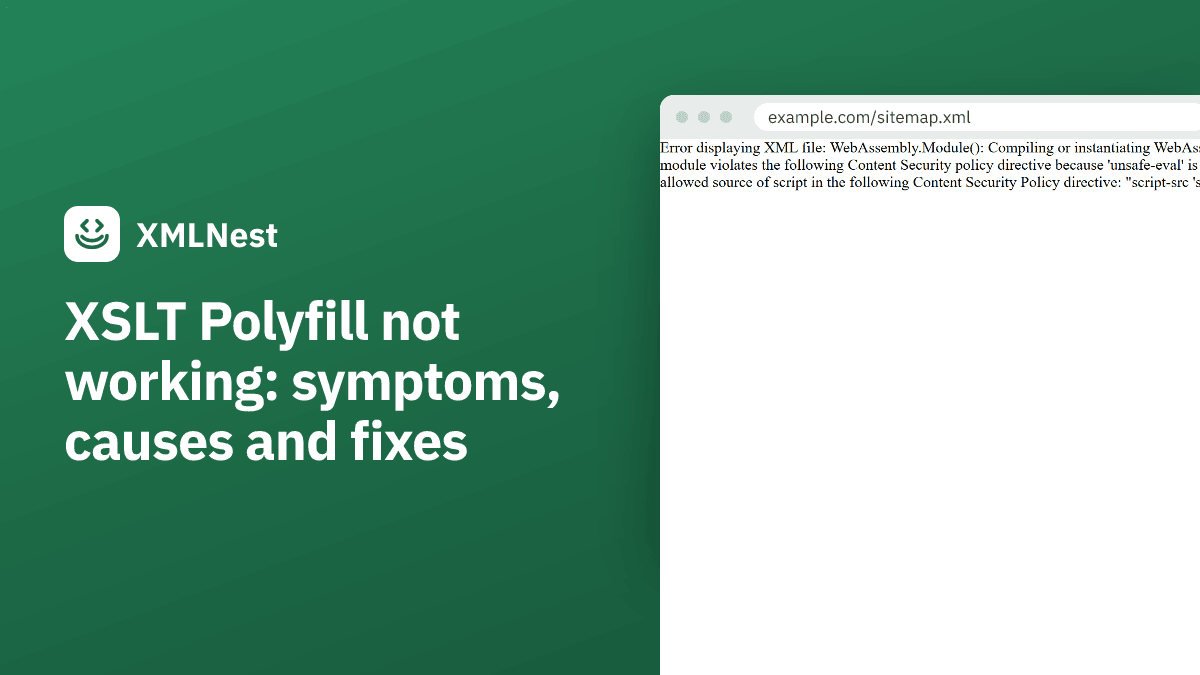
Error displaying XML file: WebAssembly.Module(): Compiling or instantiating WebAssembly module violates the following Content Security policy directive because 'unsafe-eval' is not an allowed source of script
The page sends a Content-Security-Policy whose script-src does not allow 'wasm-unsafe-eval', so the engine cannot start. A visitor cannot change it. The site owner adds 'wasm-unsafe-eval' to script-src for its XML responses. In our test, that alone fixed it.
Stylesheet that cannot be loaded
Error displaying XML file: Failed to fetch XSLT file: https://cdn.example.net/sitemap.xsl
The library only loads stylesheets and their imports from the page’s own site, even when the other site allows it with CORS. In our test, version 1.0.31 still accepted such a stylesheet and 1.0.38 refused it, so a page can break after an update. Host the stylesheet next to the XML. A local file gives the same message, with a file:/// address.
Engine broken by a missing charset
WebAssembly.Module(): section was shorter than expected size
On an HTML page that uses XSLTProcessor, the polyfill file was read with the wrong text encoding. Add charset="utf-8" to its script element, or send it with Content-Type: text/javascript; charset=utf-8. Both fixed it in our test.
Trusted Types
Failed to execute 'parseFromString' on 'DOMParser': This document requires 'TrustedHTML' assignment.
The page enforces Trusted Types with require-trusted-types-for 'script', and transformToFragment() of the polyfill parses text. A default policy made it work in our test, but a default policy that accepts every string removes most of the protection. Transforming on the server is the cleaner fix.
Scripts of the transformed page
Failed to execute 'write' on 'Document': Only HTML documents support write().
The transformed page stays an XML document, so document.write() throws. Replace it with DOM methods in the stylesheet’s scripts. The extension also lists two cases it cannot handle: scripts inside the XML file run before the transform, and a page that answered a form is downloaded again with a plain GET.
Very large output
RangeError: Maximum call stack size exceeded from transformToFragment() is an open issue for outputs of several hundred thousand elements. The reporter found that transformToDocument() works on the same input. For sitemaps, staying under 50,000 URLs per file also keeps the wait short: about 4 seconds for 50,000 URLs in our test.
Questions
Why does XSLT Polyfill not work on an XML file I opened from my computer?
The extension's code stops on file:// addresses, even with “Allow access to file URLs” turned on. Serve the folder with a local web server, such as python -m http.server, and open the file from its localhost address.
What does “Error displaying XML file” mean?
It is the message xslt-polyfill writes on the page when the transform fails. The text after it gives the reason: a WebAssembly error points to the site's Content-Security-Policy, “Failed to fetch XSLT file” to a stylesheet it could not load.
Can I make XSLT Polyfill work on a site with a strict Content-Security-Policy?
Not from your browser. The engine is WebAssembly, and the page's policy must allow 'wasm-unsafe-eval'. Only the site owner can add it, or send the page already transformed as HTML.
Should I install two XSLT extensions to be safe?
No. Keep one extension that transforms XML pages. If a page breaks, turn the others off in chrome://extensions and reload, so you know which one acts.
Sources
- XSLT Polyfill, README of mfreed7/xslt_polyfill on GitHub (limitations) (checked on 27 November 2026)
- XSLT Extension, README of mfreed7/xslt_extension on GitHub (limitations) (checked on 27 November 2026)
- XSLT Extension source code: content.js (file:// addresses, refetch, console messages) (checked on 27 November 2026)
- xslt-polyfill issue 62: page CSP without 'wasm-unsafe-eval' blocks the Wasm module (checked on 27 November 2026)
- xslt-polyfill issue 18: the polyfill doesn't always play nicely with the extension (checked on 27 November 2026)
- xslt-polyfill issue 73: transformToFragment throws Maximum call stack size exceeded for large HTML output (checked on 27 November 2026)
- MDN: Content-Security-Policy script-src ('wasm-unsafe-eval') (checked on 27 November 2026)
- MDN: Trusted Types API (default policy) (checked on 27 November 2026)
- Chrome Web Store Help: Install and manage extensions (turn on or off, site access) (checked on 27 November 2026)
- Google Chrome Help: Chrome keyboard shortcuts (reload ignoring cached content) (checked on 27 November 2026)
- Test by XMLNest : Tested by XMLNest in Chrome 158.0.8127.88 on 27 November 2026 with xslt-polyfill 1.0.38 (and 1.0.31 for the cross-origin case), on a local web server: each error message quoted on this page was shown by Chrome or the library; a Content-Security-Policy of script-src 'self' blocked the WebAssembly engine and adding 'wasm-unsafe-eval' fixed it; require-trusted-types-for 'script' made transformToFragment fail, and a default Trusted Types policy made it work; the script loaded without a charset in an HTML page broke the engine, and charset="utf-8" or a charset=utf-8 header fixed it; a file:// page could not fetch its stylesheet; feeds sent as application/rss+xml or application/atom+xml stayed plain text (checked on 27 November 2026)