
XMLNest for Chrome: features, permissions and limits
XMLNest displays XML files, RSS feeds, podcasts and sitemaps in a readable way, and renders XSLT-styled XML pages that Chrome no longer renders. It is free, independent and collects nothing.


What this XML viewer does
- Styled pages: XML pages that use an XSL stylesheet (version 1.0) look the way the browser used to show them. The result is cleaned before it is shown.
- XSLTProcessor support, site by site: web apps that run XSLT in JavaScript keep working in Chrome 158 and later, which removed it. It is off by default; turn it on from the toolbar button for the sites that need it.
- Tree view: fold and unfold any XML document, search names and values, copy a node, its value or its path.
- Source view: formatted source with line numbers. Download the exact file in one click.
- Reader view for RSS and Atom feeds, with a built-in podcast player.
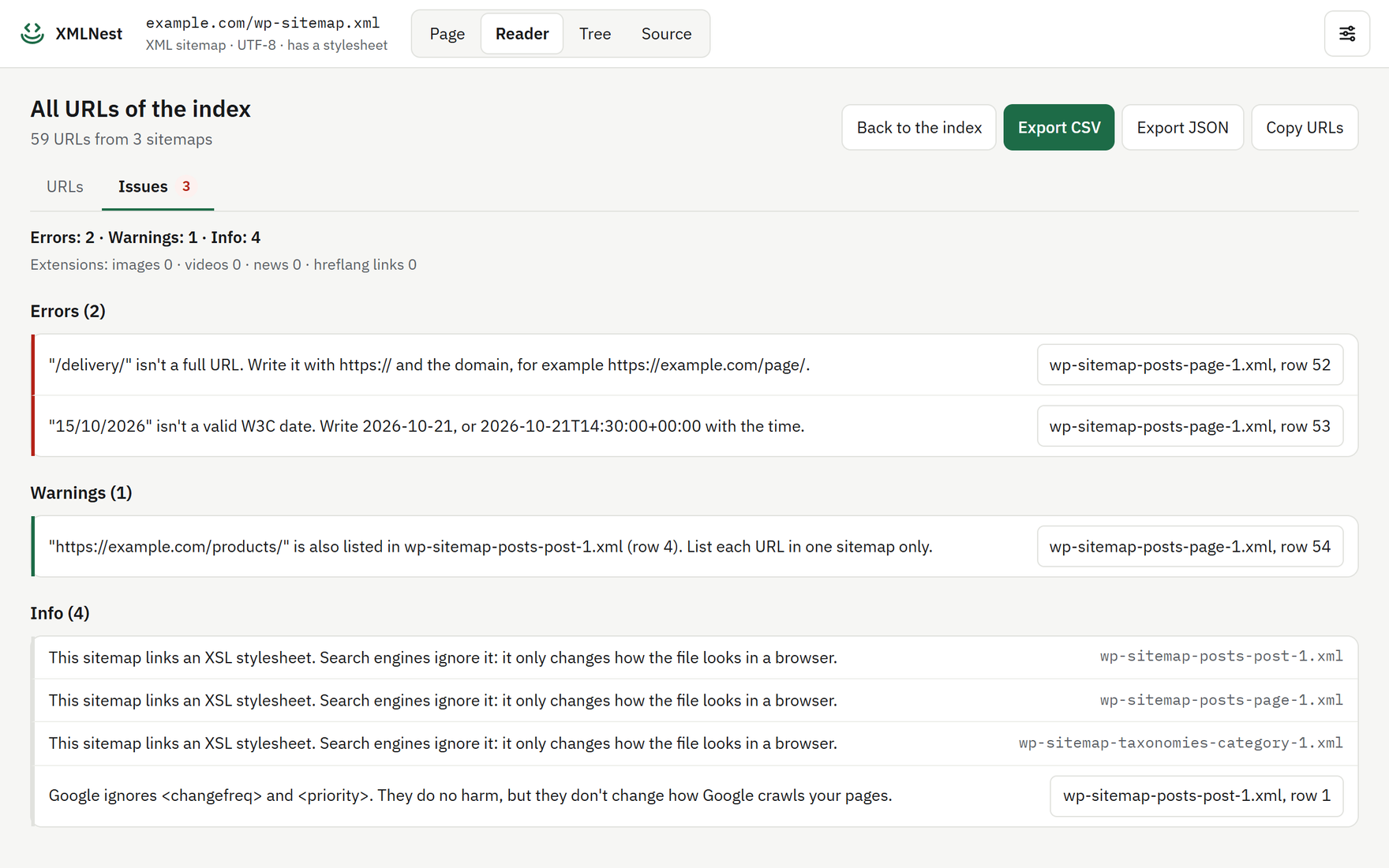
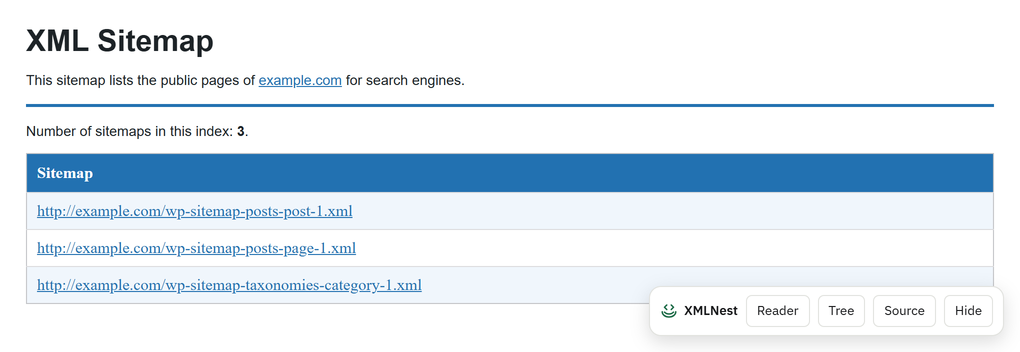
- Reader view for XML sitemaps: a fast table you can filter by text or date, sort, and export to CSV or JSON. Sitemap index files list their parts as links.
- Sitemap audit: an "Issues" tab lists the errors and warnings of a sitemap, with the same rules as our online Sitemap Checker. Each issue links to its row in the table.
- Sitemap index: load all child sitemaps from the same site into one table, up to 50, with a column for the source file. Nothing is requested until you click.
- XPath search in the tree view, with a match counter and next and previous buttons. An Export menu saves the document as XML, JSON or CSV.
- Clear messages: a broken XML file shows the line and column of the error. A stylesheet that cannot be applied explains why, then shows the tree.
- XML files from your computer open in the tree, source and reader views, once you allow local files.
- Light and dark themes. Available in 55 languages.
No install needed for a one-off check: try the free online XML tools.
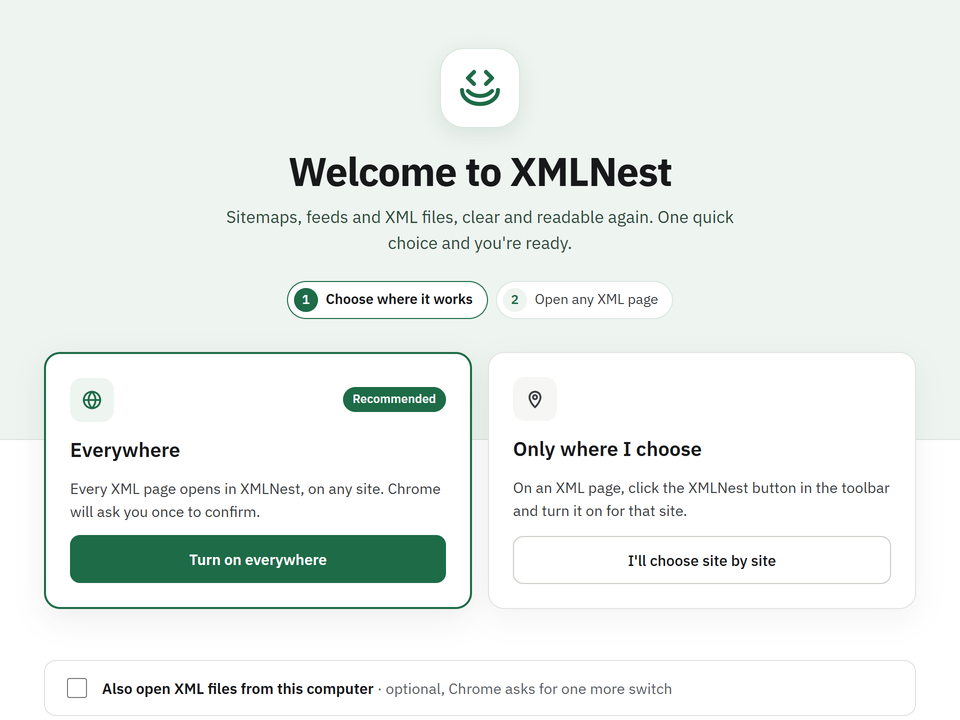
What it looks like: a sitemap and the welcome page
Chrome permissions, in plain words
XMLNest is installed with no access to any site. Each permission below has one job.
| Access to sites (optional) | Asked only when you click "Turn on everywhere", or turn on "Use XMLNest on this site" or "XSLTProcessor support on this site" from the toolbar button. It lets XMLNest recognise XML pages, load the stylesheet the page itself references and, where you asked for it, add XSLTProcessor to the pages of that site. |
|---|---|
| Local files (optional) | Only if you choose to open XML files from this computer and turn on "Allow access to file URLs" for XMLNest in Chrome. No stylesheet is applied to local files. |
| Scripting | Runs the XML detection only on the sites where you turned XMLNest on, or on the current tab when you click "Show in XMLNest". On the sites where you turned on XSLTProcessor support, it also adds that API to their pages. |
| Active tab | Lets you display the current page on demand, without permanent access to the site. |
| Storage | Remembers, in your browser only, your settings, the sites where you turned XMLNest off, the sites where you allowed scripts, the sites where you turned on XSLTProcessor support and, for the one-time review invitation, a count of the XML pages shown. |
What it does not do
- It does not add XSLTProcessor to a site unless you turn it on there. Files a stylesheet imports must come from the page's own site, and pages whose security rules block WebAssembly cannot use it.
- Child sitemaps on another site are listed, never loaded.
- It does not apply XSL stylesheets to files on your computer, just like Chrome never did.
- It does not run scripts from transformed pages unless you allow them for that site.
- It does not collect, send or sell anything you open.
XMLNest or the official XSLT Polyfill extension?
Both use the same open-source engine, xslt-polyfill. The official extension is the one Chrome's announcement links to. XMLNest adds reader, tree and source views for XML documents and asks for no site access at install. See the full comparison in our guide to XSLT removed from Chrome
Questions about permissions and XSLT
Why is there no permission warning at install?
XMLNest asks for no site access at install. Access is requested only when you turn it on, everywhere or site by site.
Does XMLNest collect data?
No. It has no analytics, no tracking and no ads. The only settings it saves stay in your browser.
Which XSLT version does it support?
XSLT 1.0, like the support that Chrome removed.
Why are some scripts blocked on transformed pages?
Scripts contained in a transformed page run only on sites where you allowed them, from the toolbar button. This protects you from pages you do not trust.
Does XMLNest restore XSLTProcessor?
Yes, since version 1.3, but only where you ask for it. It is off by default: turn on "XSLTProcessor support on this site" from the toolbar button. Files a stylesheet imports must come from the page's own site, and it cannot work on pages whose security rules block WebAssembly.
Is XMLNest in my language?
Yes. XMLNest is available in 55 languages and follows the language of Chrome.
The XMLNest extension is free and has no ads. If it saves you time, you can buy me a coffee on Ko-fi.