
Best XML viewer extensions for Chrome: five options compared

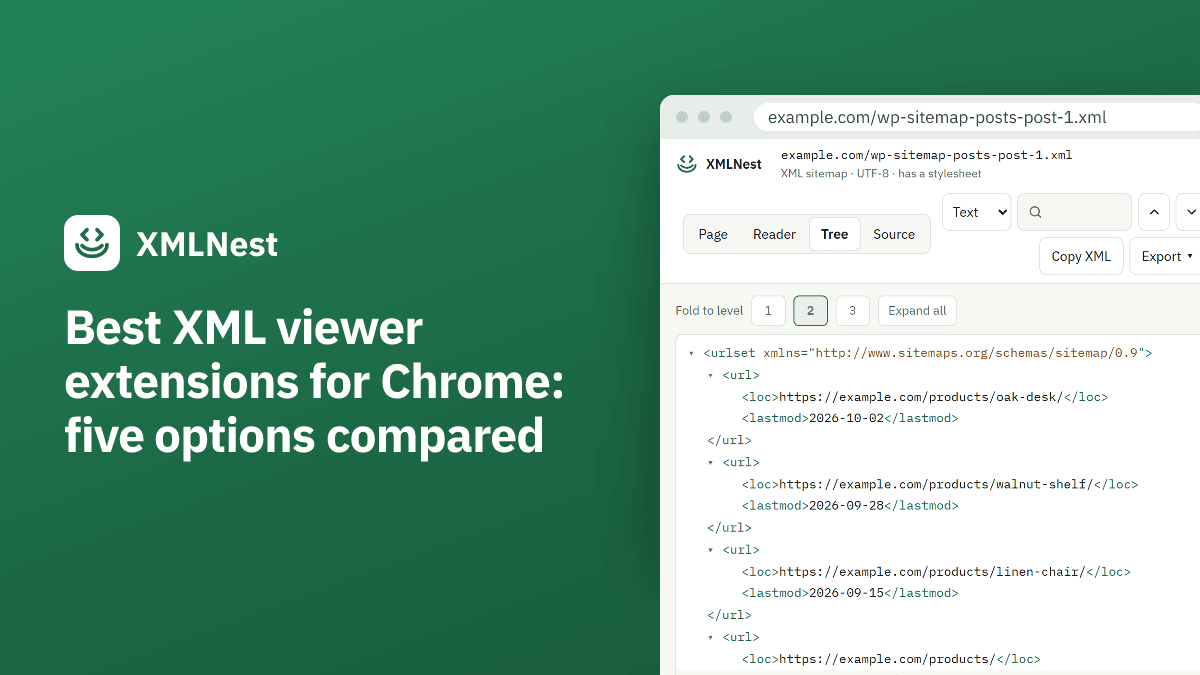
Chrome 158 stops applying XSL stylesheets on 17 November 2026, and its own XML view is a plain tree. We compared the best XML viewer extensions for Chrome on stated criteria, using what each store page says. One of the five, XMLNest, is made by us.
What should an XML viewer extension do after Chrome 158?
Chrome already shows XML without a stylesheet as a tree, under the line “This XML file does not appear to have any style information associated with it.” You can fold elements. You cannot switch to formatted source, search by value inside the tree, or read a feed as a list of episodes. Our guide on opening an XML file in Chrome covers that built-in view.
The second change is XSLT. From Chrome 158, on 17 November 2026, Stable releases stop applying XSL stylesheets. WordPress sitemaps, styled RSS feeds and the status pages of some network devices then show raw XML. Our guide on XSLT removed from Chrome has the timeline.
So an extension has one or both jobs: bring XSL stylesheets back, and make plain XML easier to read. We searched the Chrome Web Store for “XML viewer” and “XSLT polyfill” and kept five: the most used ones and the ones built for the XSLT removal.
XMLNest is our extension, and we know it from its code. We did not install the other four. Their figures and features come from their store pages, and for the official extension also from its manifest on GitHub. When a page does not mention something, we say so.
The five XML viewer extensions for Chrome at a glance
All numbers are as of 29 October 2026, according to the Chrome Web Store. User counts are rounded, and a rating based on 5 or 11 votes says little.
| Extension | Users | Rating | Last update | XSL stylesheets | Viewer for plain XML |
|---|---|---|---|---|---|
| XSLT Polyfill (official) | 100,000 | 4.3 (11 ratings) | 29 Oct 2026, v1.0.26 | Yes | No |
| XML Viewer (freebusinessapps) | 300,000 | 2.4 (254 ratings) | 4 Aug 2026, v3.13.0 | Not mentioned | Yes |
| XSLT Browser Support | 10,000 | 4.2 (5 ratings) | 2 Oct 2026, v1.0.0 | Yes | Yes |
| XSLT Prism | 3,000 | 5.0 (19 ratings) | 9 Oct 2026, v1.0.0 | Yes | Yes |
| XMLNest (ours) | 1,000 | 4.4 (13 ratings) | 26 Oct 2026, v1.4.1 | Yes | Yes |
Beyond the table, we looked at local files, search and folding, large files, sitemap and feed views, site access at install, and open source. Local files are XML files opened from your computer, at a file:/// address. Chrome only lets an extension see them once you turn on “Allow access to file URLs” in its details, on the chrome://extensions page.
Every store page in this list declares that the developer does not collect or use your data, and every description says the processing happens in your browser.
XSLT Polyfill and XML Viewer, the most installed
XSLT Polyfill is the extension Chrome’s announcement links to. Its developer is listed only by an email address, and its code is open source under the BSD-3-Clause license, in the mfreed7/xslt_extension repository. According to its store page, it applies the xslt-polyfill library to XML pages that link to an XSL stylesheet, and restores XSLTProcessor, the JavaScript interface some web apps use to run XSLT. On XML without a stylesheet it does nothing: Chrome’s own tree stays.
Its manifest uses Manifest V3 and runs one script on all addresses (<all_urls>), in every frame, from the start of the page load. That is how it catches any styled page, and it also means the extension has access to every site you visit. Its README does not cover local files. Pick it if you only want styled pages back, from the source Chrome points to, with code you can read.
XML Viewer by freebusinessapps has about 300,000 users. Its store page describes tree, text, minified and JSON views, a color-coded tree with “Expand all” and “Collapse all”, search with an XPath mode, errors with line and column, and conversion between XML and JSON. It says large files are rendered lazily, with the text view as the default, and that it comes in 41 languages. Some features use Gemini Nano, the AI model built into desktop Chrome 138 and later.
The page states that it “requests no permissions” and describes opening, pasting or dropping XML into its editor. It does not mention XSL stylesheets. Its rating is 2.4 out of 5 from 254 ratings, so read the recent reviews first. It suits you if you want an editor and converter in a tab.
XSLT Browser Support and XSLT Prism, built for XSLT
XSLT Browser Support, published by seokadabra.com, has about 10,000 users. Its store page lists:
- XSL stylesheets applied with libxslt compiled to WebAssembly, including on feeds and sitemaps.
XSLTProcessorrestored on the sites you choose.- A collapsible tree that it says stays fast on huge files, search across tags, attributes and text, and a raw view with line numbers.
- XSLT Studio, an editor and tester with live preview.
- A stylesheet from the same folder applied to a local XML file, once you grant file access.
That last point is the main reason to choose it over XMLNest. If your XML files and their stylesheets live on your computer, it is the only extension here whose listing says it renders them. The page does not say whether the code is open source.
XSLT Prism uses the website xslt-polyfill.com, but it is a separate extension from the official one, with a different publisher. According to its store page, it applies stylesheets with their imported files and parameters, switches between result and source with Alt+Shift+X, and restores XSLTProcessor on chosen sites. Its popup shows which stylesheet ran and why it failed. The viewer has folding, search and XPath, and a full-tab workbench edits a document and its stylesheet side by side. The page does not mention sitemaps, feeds or file URLs. Pick it if you write or debug XSLT. For a quick check without installing anything, our online XSLT tester runs a stylesheet in the browser, but cannot load included files.
XMLNest, our extension
XMLNest is free and has about 1,000 users. Version 1.4.1 does this:
- XSL stylesheets (XSLT 1.0) applied again with the xslt-polyfill library, in an isolated sandbox. Scripts in a transformed page stay off unless you allow them for that site.
XSLTProcessorrestored only on the sites you turn on.- A tree you can fold and search by name and value, with XPath, and a formatted source view.
- A reader view for RSS and Atom feeds with a podcast player, and a sitemap table you can filter, sort and export to CSV or JSON.
- Light and dark themes, and 55 languages.
On large files, the tree builds long lists 500 children at a time. From 50 MB it opens at the first level, and from 100 MB only the source view is offered.
It asks for no site at install. Its manifest requests scripting, storage and activeTab, and lists http, https and file addresses as optional permissions, granted everywhere in one click or site by site. Local XML files open in the tree, source and reader views, but XMLNest does not apply an XSL stylesheet to a local file. Chrome did not either. Its own code is not open source; the xslt-polyfill library it uses is. The XMLNest permissions explained page covers each one.
Which XML viewer extension should you choose?
- Styled pages back, nothing else: XSLT Polyfill. It is open source and the one Chrome links to, and it runs on every site.
- Local XML files with their own stylesheet: XSLT Browser Support, according to its listing.
- Writing and testing XSLT: XSLT Prism or XSLT Browser Support.
- An editor with JSON conversion: XML Viewer by freebusinessapps, after reading its reviews.
- Sitemaps and feeds you read often, with no site access at install: XMLNest.
The four XSL options run XSLT 1.0. None of their listings claims XSLT 2.0 or 3.0.
To read one file once, you may not need an extension. Paste it into our free XML formatter for an indented version with line numbers.
Sources
- Chrome for Developers: Removing XSLT for a more secure browser (checked on 29 October 2026)
- XSLT Polyfill - Chrome Web Store (checked on 29 October 2026)
- manifest.json of mfreed7/xslt_extension on GitHub (checked on 29 October 2026)
- XML Viewer (freebusinessapps) - Chrome Web Store (checked on 29 October 2026)
- XSLT Browser Support - Chrome Web Store (checked on 29 October 2026)
- XSLT Prism - Chrome Web Store (checked on 29 October 2026)
- XMLNest - Chrome Web Store (checked on 29 October 2026)
- XMLNest 1.4.1, manifest and viewer code : Read by XMLNest on 29 October 2026: XMLNest 1.4.1 uses Manifest V3 and asks for scripting, storage and activeTab, with access to http, https and file addresses as optional host permissions. Its tree builds long lists of children 500 at a time, opens at the first level from 50 MB, and offers only the source view from 100 MB. (checked on 29 October 2026)